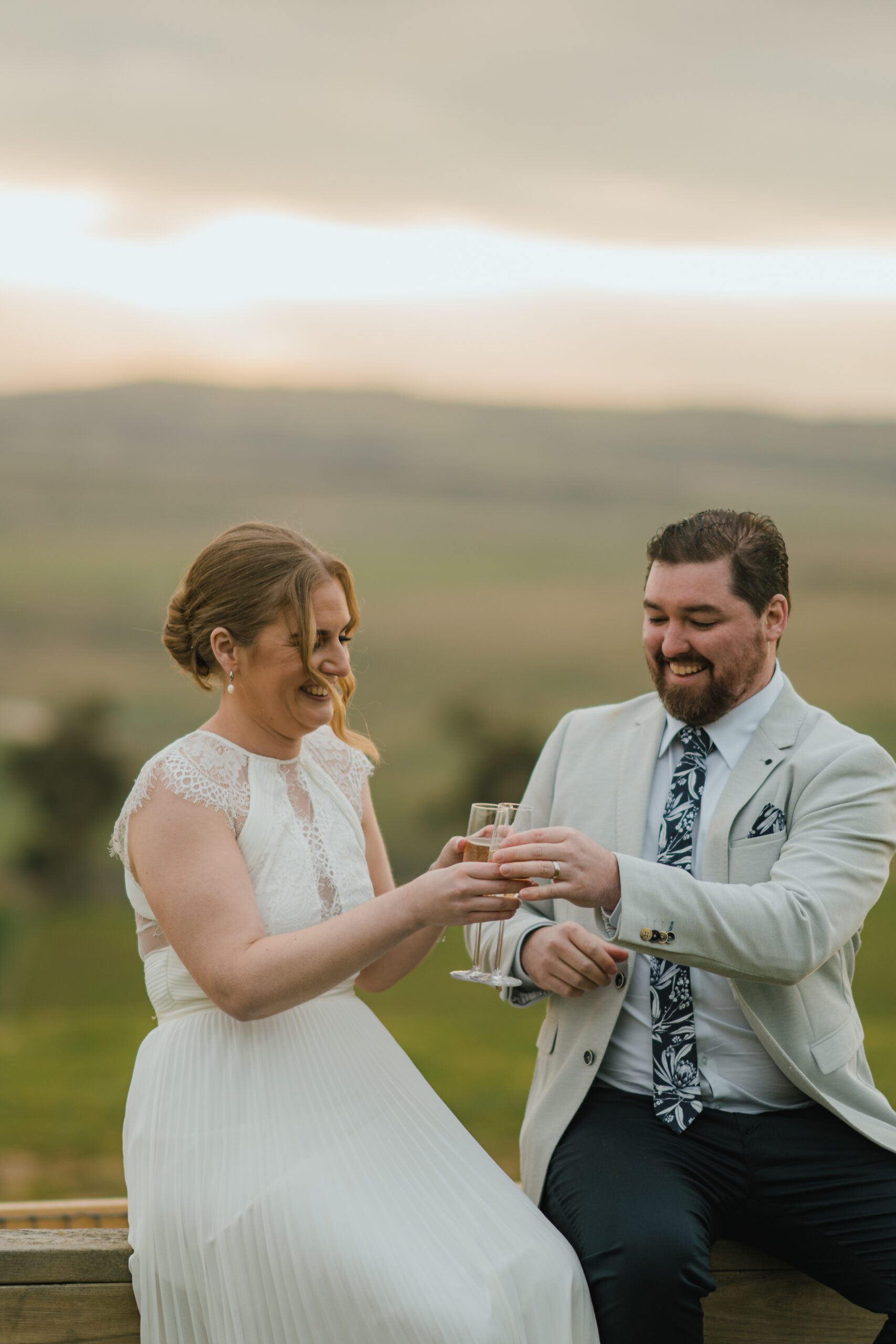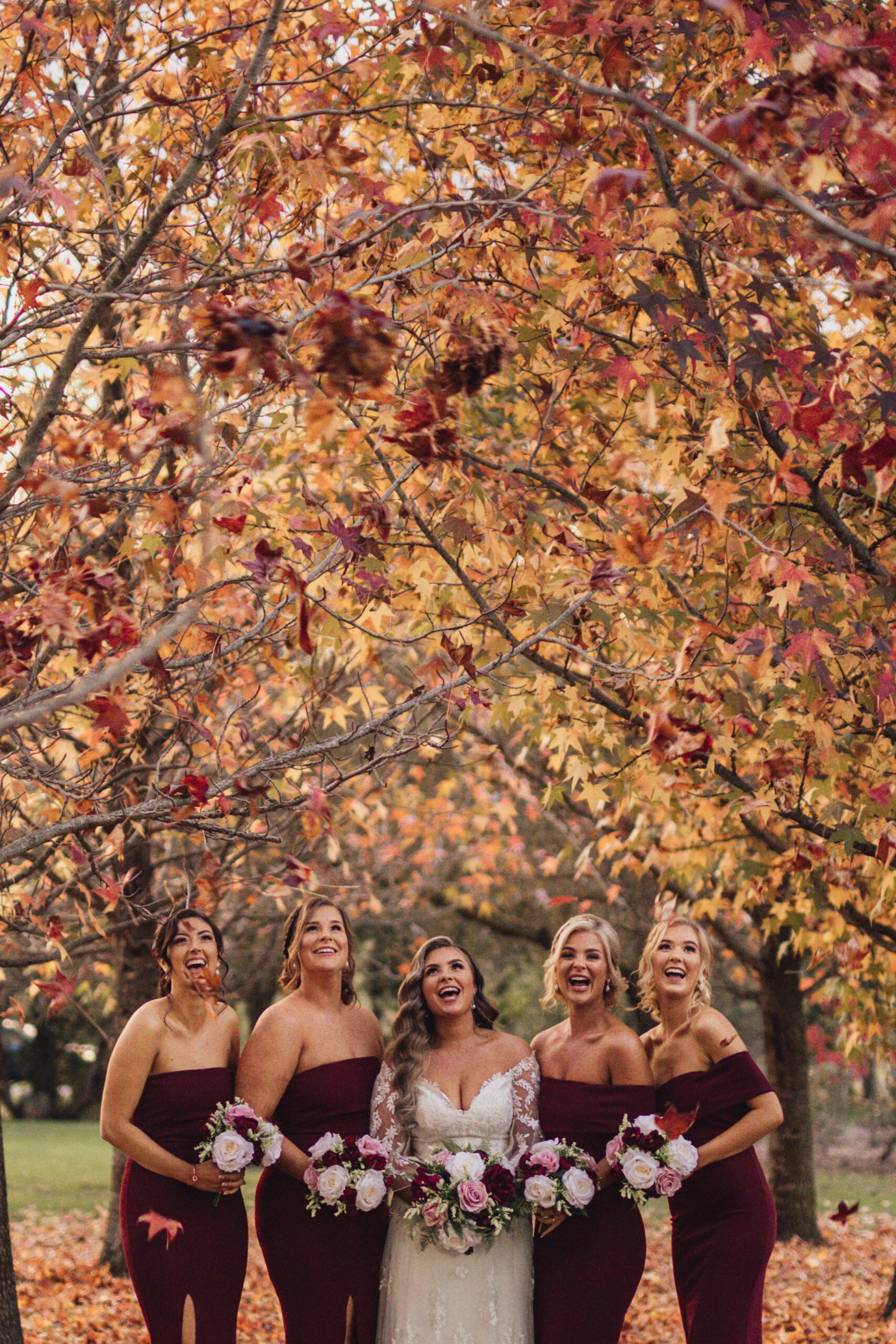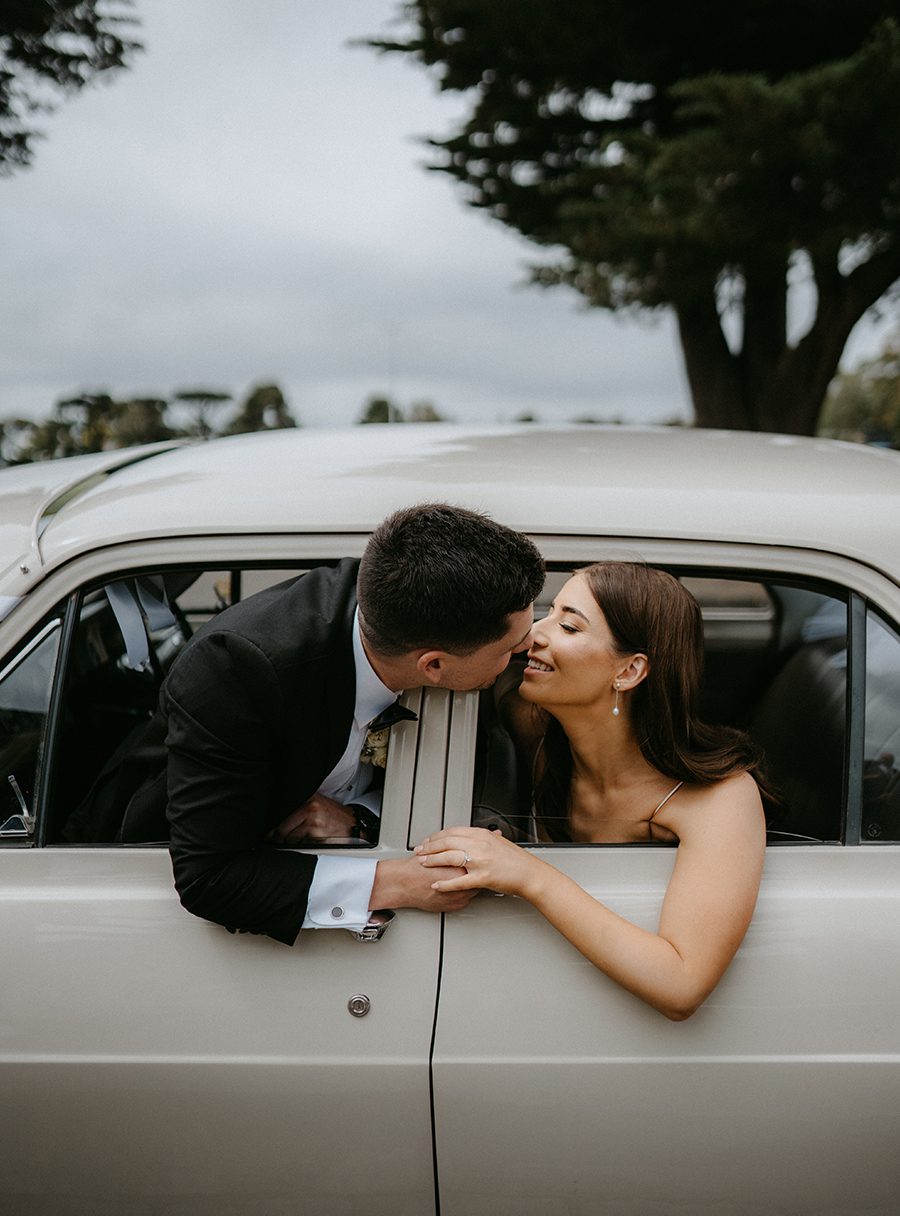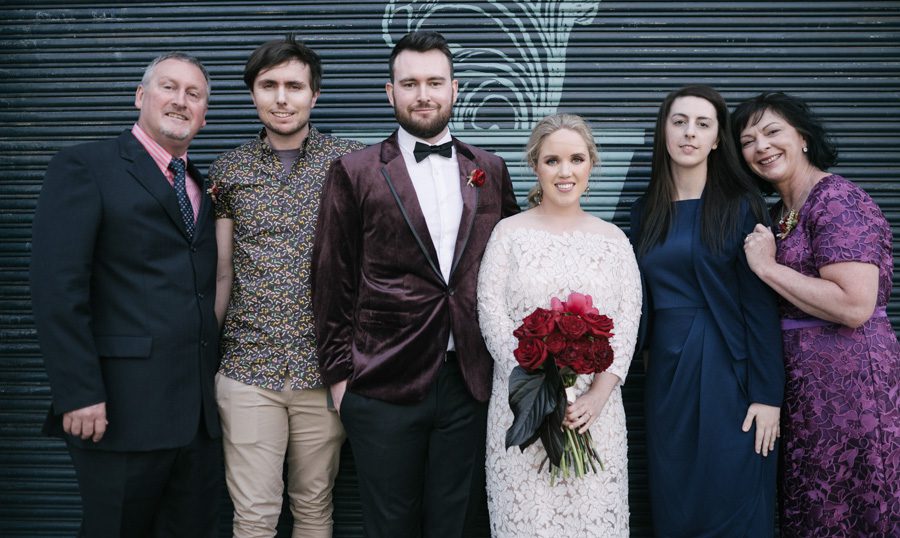
Melbourne wedding photography - Night scene with added starlight in post-production
Melbourne wedding photography - Night scene with added starlight in post-production
Enhancing Melbourne Wedding Photography with Night Sky Star Effects in Post-Processing
Melbourne’s cityscape and waterfront venues provide stunning backdrops for nighttime wedding photography, but capturing the full magic of the stars often requires creative post-processing techniques. Whether you’re shooting under the glow of the city lights or in a secluded natural setting, adding realistic star effects can elevate your images from ordinary to extraordinary. Here’s how to approach this process with a focus on natural beauty and professional results.
Understanding the Challenges of Night Wedding Photography
Shooting wedding photos at night presents unique challenges, from limited light to mixed color temperatures. Cityscapes like Federation Square or Southbank introduce artificial lighting that can compete with natural starlight, while darker locations like the Dandenong Ranges may lack ambient light altogether. Balancing these elements is key to creating a cohesive, romantic atmosphere.
Managing Light Pollution and Ambient Glow
Melbourne’s urban areas suffer from light pollution, which can wash out the night sky and make stars difficult to see. When editing, start by reducing the overall brightness of artificial light sources using the brush tool or radial gradients. For example, if a streetlamp is overpowering the scene, lower its exposure while preserving the couple’s faces and surrounding details. This creates a darker, more natural background that makes added star effects look believable.
Preserving Skin Tones Under Artificial Light
Nighttime wedding photos often rely on venue lighting or flash, which can cast unflattering colors on the couple’s skin. Use the white balance tool to neutralize extreme hues, then fine-tune with the temperature and tint sliders. For a photo taken near the Yarra River, where blue-toned city lights might dominate, warming the image slightly can create a more inviting, romantic feel. Adjust the vibrance slider to enhance natural skin tones without making them look artificial.
Creating Realistic Star Effects in Post-Processing
Adding stars to a nighttime wedding photo requires subtlety to avoid a cheesy or overdone look. Here’s how to achieve natural-looking results.
Using the Brush Tool to Paint Stars Manually
For the most authentic results, manually paint stars onto your image using a soft brush with low opacity. Create a new layer and set the blending mode to “Screen” or “Lighten” to ensure the stars blend seamlessly into the sky. Vary the brush size and opacity to mimic the natural variation in star brightness. Focus on areas where stars would naturally appear, such as the upper corners of the frame or around the couple’s silhouette. Avoid clumping stars together, as this can look unrealistic.
Enhancing Existing Stars with Dodge and Burn
If your original photo captures faint stars, you can enhance them using the dodge tool. Set the tool to a low exposure (around 5-10%) and gently brush over existing stars to make them brighter. Use the burn tool to darken the surrounding sky, increasing contrast and making the stars stand out more. This technique works well for photos taken in darker locations like the Royal Botanic Gardens, where light pollution is minimal. Adjust the feathering of your brush to create soft, natural edges around the stars.
Adding Bokeh Lights for a Dreamy Effect
For a softer, more romantic take on star effects, try adding bokeh lights instead of traditional stars. Create a new layer and use a circular brush with a blurred edge to paint small, glowing orbs in the background. Vary the size and opacity of the bokeh lights to mimic the way out-of-focus lights appear in real life. Place them around the couple or along the horizon to create depth and movement. This technique is particularly effective for photos taken near city landmarks like the Eureka Skydeck, where distant lights can be transformed into magical bokeh.
Blending Star Effects with the Overall Scene
The key to successful star enhancement is ensuring the effects complement the rest of the image. Here’s how to integrate stars naturally into your wedding photos.
Matching Star Color to the Ambient Light
Stars in the night sky often have a cool, blueish tone, but city lights can introduce warm hues. Adjust the color of your added stars to match the existing light in the scene. Use the hue slider to shift the star color slightly toward blue or gold, depending on the dominant lighting. For a photo taken near the Melbourne Star Observation Wheel, where artificial lights create a warm glow, adding golden-toned stars can tie the composition together.
Using Layer Masks for Precise Placement
Layer masks allow you to control where star effects appear in your image. After painting stars onto a new layer, add a layer mask and use a black brush to erase stars from areas where they wouldn’t naturally show up, such as directly behind the couple’s faces or over bright light sources. This ensures the stars look like a natural part of the scene rather than an afterthought. For a group photo taken during the reception, this step prevents stars from distracting from the subjects.
Adjusting Opacity for Subtlety
Star effects should enhance the image without overwhelming it. Lower the opacity of your star layer to 50-70% and toggle the visibility on and off to gauge the impact. If the stars look too prominent, reduce the opacity further until they blend seamlessly into the sky. For a formal portrait of the bride and groom under a gazebo, subtle stars can add a touch of magic without detracting from their expressions or the venue’s architecture.
Advanced Techniques for Unique Star Effects
For photographers looking to push their creativity further, these advanced methods can produce one-of-a-kind results.
Creating Star Trails for Dynamic Movement
Star trails add a sense of motion and time to your nighttime wedding photos. Use the path blur tool or a custom brush to create streaks of light that mimic the appearance of stars moving across the sky. Keep the trails subtle and place them in areas with minimal distraction, such as above the couple’s heads or along the horizon. This technique works beautifully for photos taken during long exposures, where the stars naturally blur into trails.
Simulating the Milky Way for Dramatic Impact
If you want to add a truly breathtaking element to your nighttime wedding photos, consider simulating the Milky Way. Find a high-resolution image of the Milky Way (or use a stock photo with permission) and blend it into your scene using the overlay blending mode. Use a layer mask to erase parts of the Milky Way that overlap with the couple or other important elements, then adjust the opacity until it looks natural. This technique is best suited for darker locations like the Mornington Peninsula, where light pollution is minimal.
Adding Shooting Stars for a Whimsical Touch
For a playful, romantic effect, try adding shooting stars to your nighttime wedding photos. Use a thin, white brush to paint a quick streak across the sky, then add a smaller, brighter dot at the end to mimic the tail of a meteor. Vary the direction and length of the shooting stars to create a sense of randomness. Place them in the background or near the edges of the frame to avoid drawing attention away from the couple. This technique is perfect for candid shots taken during the reception’s outdoor dance.
Conclusion: Elevating Night Wedding Photos with Star Effects
Adding star effects to Melbourne wedding photography requires patience, attention to detail, and a commitment to natural-looking results. By understanding the challenges of nighttime shooting, mastering manual painting techniques, and blending effects seamlessly into the scene, you can create images that capture the romance and magic of the couple’s special day. Whether you’re working with urban cityscapes or secluded natural settings, the right approach to star enhancement can turn ordinary night photos into extraordinary keepsakes.